Why WordPress Maintenance Is Actually Security Maintenance
If your maintenance plan does not include vulnerability patching, abandoned plugin detection, and component risk review, it is not maintenance. It is delay.

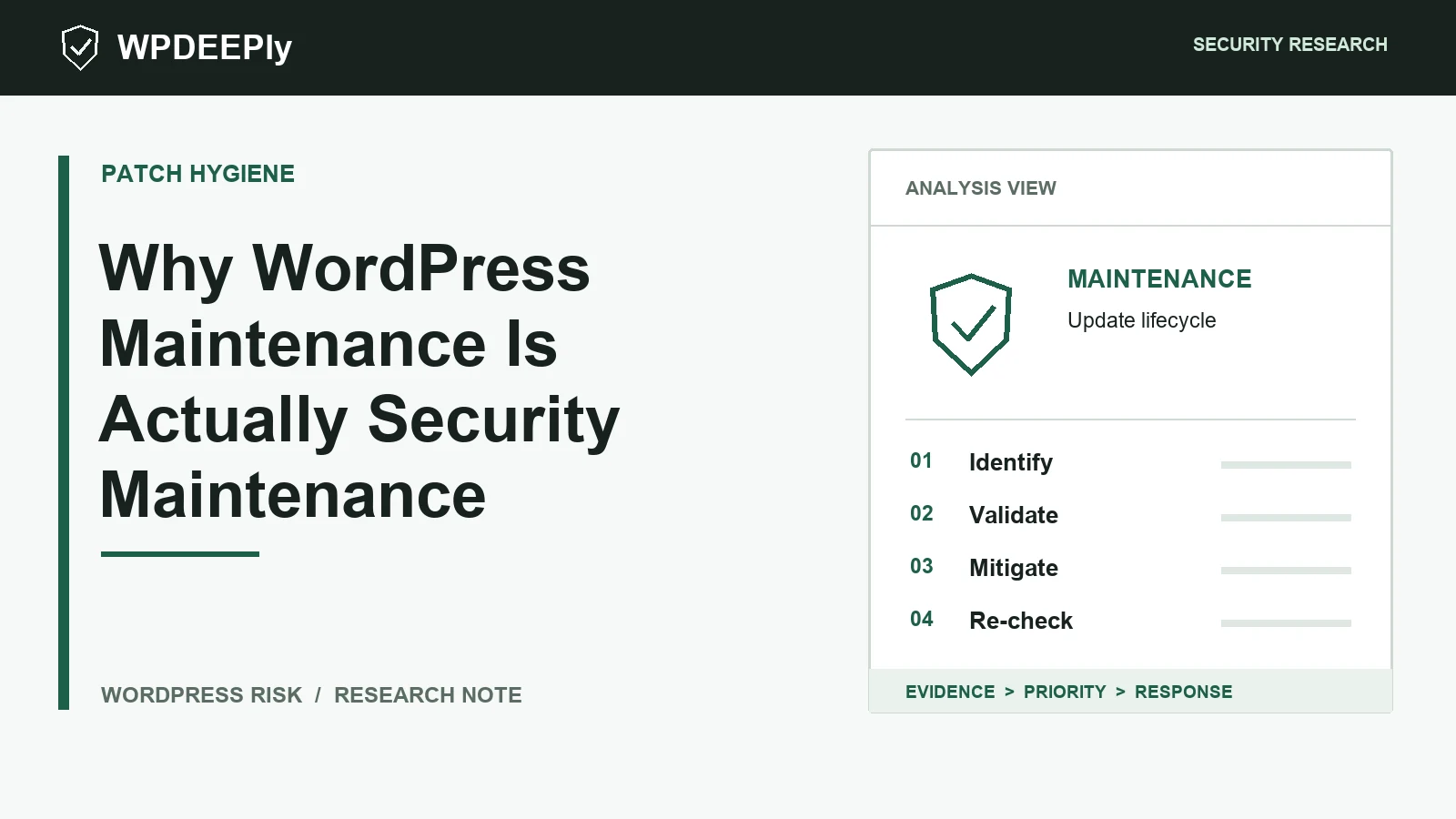
Quick answer: If your maintenance plan does not include vulnerability patching, abandoned plugin detection, and component risk review, it is not maintenance. It is delay.
Right now, automated scanners are checking WordPress sites for old plugin versions, exposed files, weak upload flows, and forgotten admin features. This guide explains the risk in practical terms and shows what to fix first.
The Set It and Forget It Myth
WordPress is never finished. Core changes, PHP changes, plugins change, attackers change, and your site keeps exposing login, REST, AJAX, and checkout surfaces every day.
Why Maintenance Really Means Vulnerability Patching
Routine updates matter, but security maintenance is more specific. You need to know which installed components have known CVEs, which fixes are urgent, and which plugins should be removed rather than updated.
Core Updates vs. Critical Security Patches
A cosmetic release and a security fix do not deserve the same urgency. Maintenance should separate low-risk housekeeping from patches that close active exploit paths.
The Hidden Dangers of Abandoned Plugins
Abandoned plugins are not quiet; they are aging attack surface. If nobody is fixing them, every new WordPress, PHP, or browser change can expose another edge case.
Manual Agency Maintenance vs. Automated Scanning
Manual care is useful for judgment, testing, and remediation. Automated scanning is useful because it never forgets to compare your stack against new disclosures. Use both, but let the scanner produce the first priority list.
Take Control
Stop paying only for basic updates. Download the WPDeeply vulnerability scanner and make security posture part of maintenance every week.
Final Security Takeaway
Security work gets easier when you stop guessing. Download the WPDeeply vulnerability scanner from the homepage, run a scan, and prioritize the plugins, themes, and WordPress components that create real exposure on your site.
