Request a Quote for WooCommerce ≤ 2.9.2 – Unauthenticated Arbitrary File Upload (CVE-2026-18143)
CVE-2026-18143 lets unauthenticated attackers upload executable files through the popup quote handler in Request a Quote for WooCommerce 2.9.2 and earlier. Update to 2.9.3 immediately and inspect uploads for compromise.

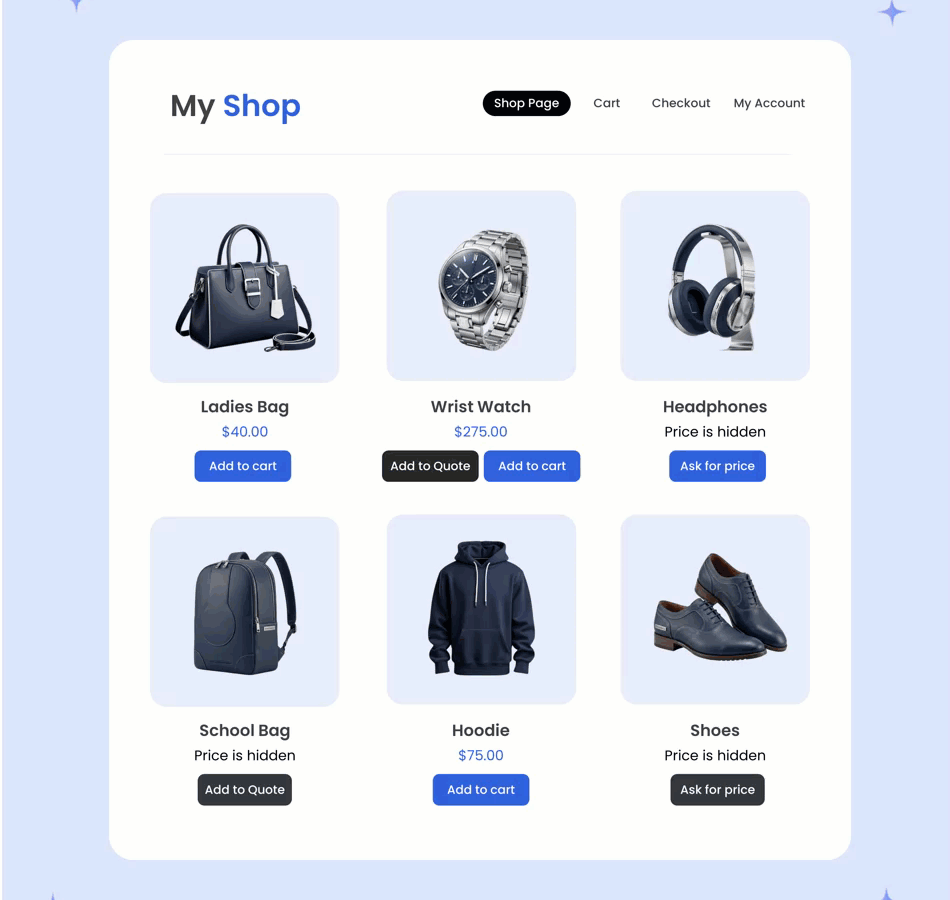
Request a Quote for WooCommerce versions 2.9.2 and earlier contain a critical unauthenticated arbitrary file upload vulnerability tracked as CVE-2026-18143. Patchstack lists the issue among recently exploited WordPress vulnerabilities. The vendor released version 2.9.3 on September 26, 2026 with a security fix.
Vulnerability summary
| Product | Request a Quote for WooCommerce by Addify |
|---|---|
| Plugin slug | woocommerce-request-a-quote |
| Affected versions | All versions through 2.9.2 |
| Fixed version | 2.9.3 |
| CVE | CVE-2026-18143 |
| Attack class | Unauthenticated arbitrary file upload |
| Severity | Critical; Wordfence scores it 9.8, while Patchstack lists CVSS 10.0 |
| Required privileges | None |
| Exposure condition | A public quote rule using the multi-page popup flow |
| Exploitation status | Patchstack marks the vulnerability as known to be exploited |
How the vulnerability works
The vulnerable popup request handler, afrfq_submit_quote_via_popup(), did not adequately validate uploaded file extensions or MIME types. According to Wordfence Intelligence, the handler used the client-supplied filename as the destination passed to move_uploaded_file().
When a public quote rule and the multi-page popup submission flow were enabled, an unauthenticated visitor could upload an executable file into a web-accessible temporary RFQ upload directory. If the web server allowed PHP execution in that directory, successful exploitation could lead to remote code execution and full WordPress compromise.
Patch details
Addify’s 2.9.3 changelog explicitly identifies CVE-2026-18143. The release:
- accepts uploads only for enabled file-type quote fields;
- limits accepted files to WordPress-allowed MIME types;
- blocks executable and double extensions;
- checks actual file content against the claimed extension;
- enforces file-size limits;
- stores uploads under randomized names instead of client-supplied names;
- adds
.htaccess,web.config, andindex.phpprotections to upload directories; - runs a one-time scan that moves executable files found in quote upload directories into a locked quarantine folder.
The same vulnerable Request a Quote module is bundled in B2B for WooCommerce. Sites using that product should update to B2B for WooCommerce 4.2.0 or later, whose changelog also names CVE-2026-18143.
Immediate remediation
- Update Request a Quote for WooCommerce to 2.9.3 or later. Do not rely on version 2.9.2; its earlier upload fix was incomplete.
- If the update cannot be installed immediately, deactivate the plugin. At minimum, disable public popup quote rules and all quote-form file fields until the patch is deployed.
- If using B2B for WooCommerce, update to version 4.2.0 or later.
- Clear page, object, and CDN caches after updating.
- Review the WordPress uploads tree and server logs for suspicious files or requests. Treat a confirmed executable upload as a full compromise, not merely a plugin issue.
- Rotate WordPress administrator, hosting, database, SFTP/SSH, and API credentials after a confirmed compromise. Replace WordPress salts and inspect persistence mechanisms before returning the site to service.
Verify the installed version
With WP-CLI, check the plugin version and whether an update is available:
wp plugin get woocommerce-request-a-quote --fields=name,status,version,update,update_versionA secure result should report version 2.9.3 or later. If the plugin is delivered as part of a managed WooCommerce subscription, confirm the installed package version in Plugins > Installed Plugins and in the vendor account.
Compromise checks
First preserve a backup or forensic copy. Then list recently modified executable files under the uploads directory:
find wp-content/uploads -type f \( -iname "*.php" -o -iname "*.phtml" -o -iname "*.phar" -o -iname "*.php5" \) -mtime -30 -printAny executable file under wp-content/uploads deserves investigation. Do not assume that a file is harmless because its name resembles an image or contains a double extension.
Also verify WordPress core and WordPress.org-hosted plugins where checksums are available:
wp core verify-checksums
wp plugin verify-checksums --all
Premium plugins may return checksum warnings because WordPress.org has no reference package for them. Review those files against a clean vendor download instead.
Server-side hardening
Blocking script execution inside upload directories is useful defense in depth, but it is not a substitute for updating the plugin. On Apache, place this rule in the uploads directory only after confirming compatibility with the hosting configuration:
<FilesMatch "\.(php|phtml|phar|php[0-9]?)$">
  Require all denied
</FilesMatch>
For Nginx, a host-level rule can deny PHP execution below /wp-content/uploads/:
location ~* ^/wp-content/uploads/.*\.(?:php|phtml|phar|php[0-9]?)$ {
    deny all;
    return 403;
}
Test configuration changes before reloading the web server. Managed-hosting customers should ask their provider to enforce the equivalent rule.
Indicators that require incident response
- new PHP, PHTML, PHAR, or double-extension files in WordPress upload directories;
- unexpected administrator accounts or changed user roles;
- unknown scheduled tasks, must-use plugins, drop-ins, or modified
wp-config.php; - outbound connections or redirects that continue after the vulnerable plugin is disabled;
- reappearing files after deletion, which suggests a separate persistence mechanism.
Sources
- Wordfence Intelligence: CVE-2026-18143 technical record
- Patchstack vulnerability record
- Patchstack recently exploited WordPress vulnerabilities
- Addify version 2.9.3 changelog
- WooCommerce Marketplace product page
WPDeeply did not discover this vulnerability. This advisory summarizes public technical records from Wordfence, Patchstack, Addify, and WooCommerce.
